
Lock Down the iPad
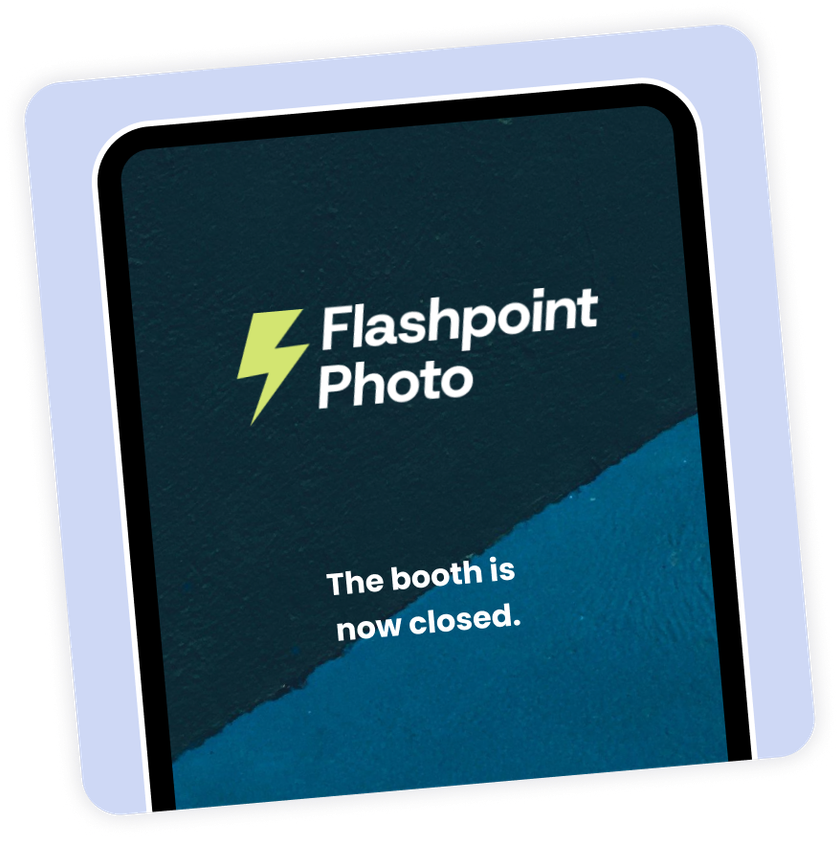
Your guests can’t leave the event while a scheduled event is running, even if the in-event menu is open.
Powerful and Easy
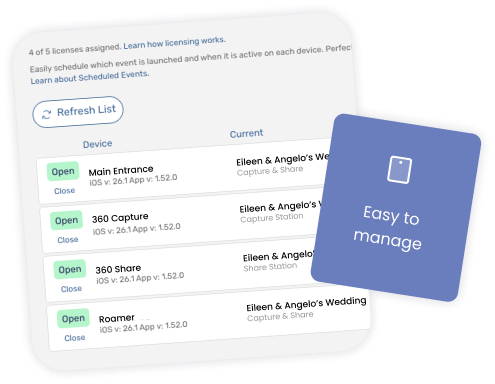
Manage your schedules on the Devices page, from any web-browser. You can schedule any event to start and stop at any time, and you can have the same event start and stop multiple times — for example, closing the booth during wedding speeches.
Open and Closed Screens
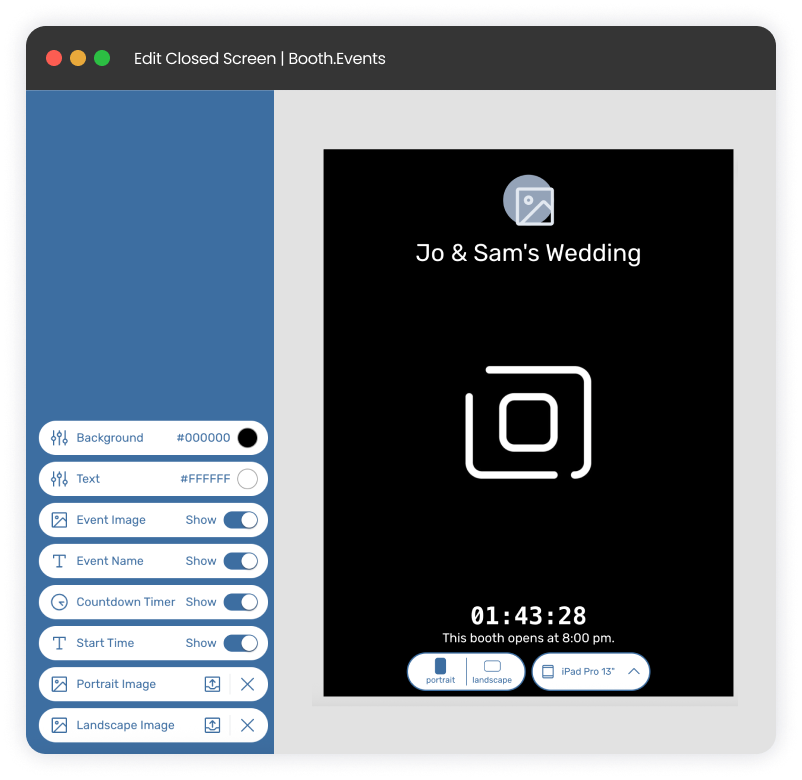
When a device has a schedule and no event is scheduled to be running, the Closed screen shows. You can easily customize this screen, and by default it shows guests a timer so they know how long they have to wait until the booth opens.
What plan level is required for Scheduled Events?
Unlimited usage of the Scheduled Events feature is included in the Pro+ plan.
What if a guest is right in the middle of a session when the booth closes?
Don’t worry, we thought of that! The booth will let the guest finish their session before it closes, so no one loses their photos.
Can I quickly disable the schedule without deleting it?
Yes: if you need to quickly get out of the event on the iPad, go to the Devices Page, find the device, open its schedule, and instead of changing the schedule just flip the switch at the top of the page. When you’re done, flip the switch back on.
How do I push the schedule to my device?
You don’t have to! With our Live-Sync feature as soon as you save the schedule, your device will immediately pick it up. If it’s offline it’ll pick up the schedule as soon as it goes online.
How granular can I make my schedules? Do I have to pick an end time?
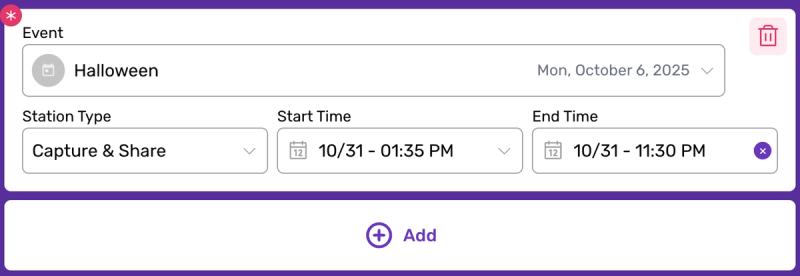
You can control the start time and end time down to a 5-minute interval, and you can choose “Never” for the end-time.
When does the Countdown screen show?
The closed screen will change to the countdown screen 10 minutes before the event is scheduled to start. You can customize your countdown screen too!
Booth.Events is perfect for:
Brand Activation
Turn your brand experience into shareable moments that amplify your reach.
Corporate
Transform networking events into memorable experiences your team will (actually) enjoy.
Wedding
Capture the laughs, hugs, and happy tears on the most important day of your life.
Graduation
Honour their achievement with professional photos or capture a cap-toss with a boomerang.
Quinceañera / XV
Create excitement with a fun photo booth at this once-in-a-lifetime celebration.
Fundraiser
Boost engagement at the event while creating shareable moments for your cause.
Tournament
Photo booths create perfect memories for teams and individual competitors.
Birthday
Make their special day even more memorable with fun features everyone will love.
Dinner / Gala
Guests are already dressed to impress making a photo booth the perfect touch.
Festival / Fair
Turn casual attendees into engaged participants with a photo booth experience.
Marathon / Race
Celebrate finishers and create shareable, branded victory moments at the finish line.
I'm actually enjoying learning your software

Steve Burton
Smartpicsuk Photo Booth
Join Our Facebook Group
Join the thousands and stay up to date with the latest updates, tip & tricks from industry experts, and share your business.