
No Extra Cost
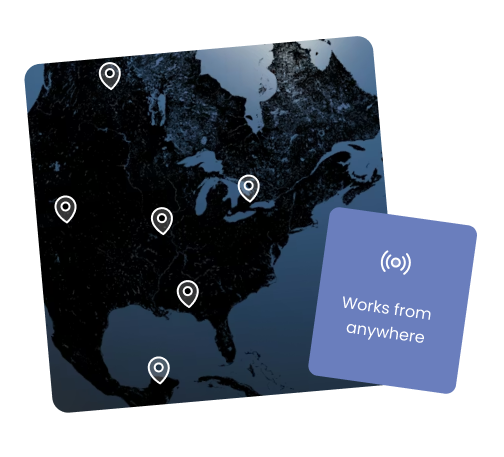
It’s fast, it’s easy, and it’s included in the Pro+ plan with unlimited usage & no extra charges. You can control, see, and “touch” your iPad screen from any web-browser, anywhere in the world.
99 problems but a firewall ain't one
Connected to venue wi-fi? No problem, and no extra steps: our software connects through firewalls without any setup. It’s great for unattended installs - check in on the iPad any time. The app respects the privacy of your guests: it shows a small bubble when someone is watching.
Industry-leading Performance
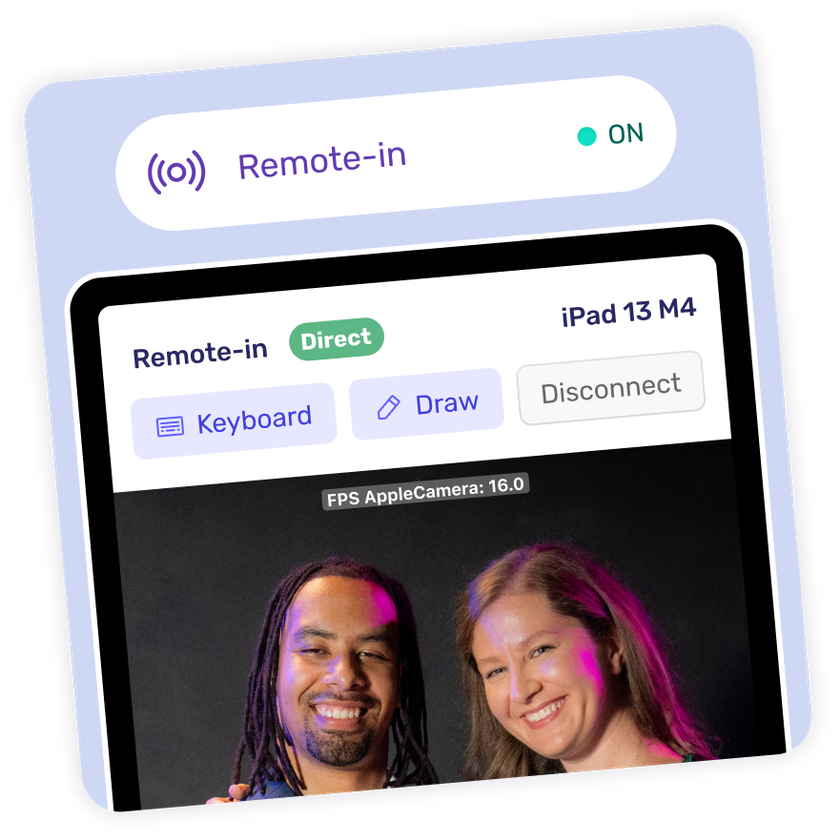
Even with a not-so-great internet connection you’ll still get a smooth view of the iPad screen, so you can actually see what experience your guests are having. An on-screen keyboard is included for remote administration tasks, like changing your camera or printer settings from afar.
Do I have to set something up on the app for Remote-In to work?
No! Just sign in with the same account on the iPad and the browser, go to the Devices page, and click the device you want to remote into. Make sure the Booth.Events app is running (in the foreground) on the iPad or Mac you want to control.
Are there extra costs if I have a lot of iPads?
No, unlimited usage is included in your Pro+ plan.
Can I access the Settings App or leave the app?
No, you cannot leave the Booth.Events app. The app will warn you if you’re about to take an action that would do this, as this would disconnect your Remote-In session.
I have a poor internet connection, can I still use Remote-In?
Yes! The software will automatically drop to a lower quality setting so that you can still use the feature. If your internet connection improves it will automatically increase the quality of the remote view.
Is Remote-In secure? Can someone else access my booth remotely?
Security is built-in and taken seriously. Only you (or accounts you explicitly authorize) can access your booths remotely. Each booth requires authentication to connect, and communication is encrypted. You can set up multi-user access with different permission levels—maybe your assistants can view booth status but only you can push template changes. There's also activity logging in our Audit Log feature, so you can see who made what changes and when. Nobody can randomly access your booth from the internet; it's locked down to your account.
Booth.Events is perfect for:
Brand Activation
Turn your brand experience into shareable moments that amplify your reach.
Corporate
Transform networking events into memorable experiences your team will (actually) enjoy.
Wedding
Capture the laughs, hugs, and happy tears on the most important day of your life.
Graduation
Honour their achievement with professional photos or capture a cap-toss with a boomerang.
Quinceañera / XV
Create excitement with a fun photo booth at this once-in-a-lifetime celebration.
Fundraiser
Boost engagement at the event while creating shareable moments for your cause.
Tournament
Photo booths create perfect memories for teams and individual competitors.
Birthday
Make their special day even more memorable with fun features everyone will love.
Dinner / Gala
Guests are already dressed to impress making a photo booth the perfect touch.
Festival / Fair
Turn casual attendees into engaged participants with a photo booth experience.
Marathon / Race
Celebrate finishers and create shareable, branded victory moments at the finish line.
Good job Tim and team.
I tried it today and it worked perfectly. Best thing, multiple printers connected at the same time and working together. That's the gamer changer for me. CONGRATS 👏

Juan Coca
Cocavision Photobooth
Join Our Facebook Group
Join the thousands and stay up to date with the latest updates, tip & tricks from industry experts, and share your business.