
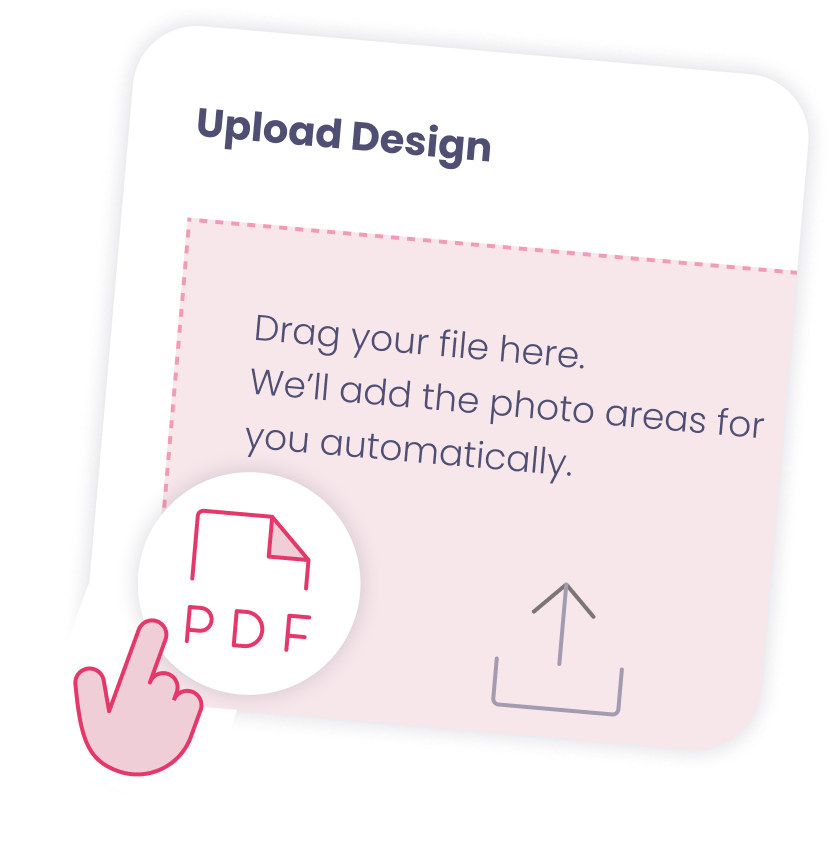
Direct Import From Canva and Adobe
We were the first in the industry to support importing PDF, with full layer support. Save your PDF from Canva, Adobe, or your favorite tool, and import it directly into Booth.Events. We’ll automatically detect the photo areas and fill those in for you.
Edit Templates In Your Browser
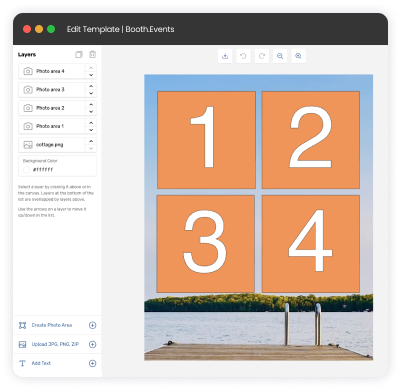
Use any web browser to add overlays, change backgrounds, add scenes for guest-chosen background replacement, and tweak things to be perfect. It even works on iPad and iPhone, which comes in handy if you notice a spelling mistake last minute!
Over 1,000 Templates to Start From
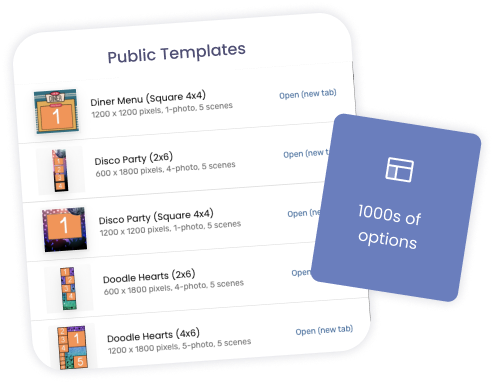
Start with one of our templates to get going quickly. Duplicate it and edit it - put some custom text on it… done! No starting from scratch every time, no reinventing the wheel. Your template library becomes a business asset that grows more valuable with every event.
Do I need design skills or special software to create custom templates?
Not at all! Our template builder is designed for photo booth operators. Use our drag-and-drop interface to add images, text, and dynamic elements that your guests will create. Upload your own graphics or logos, choose colors, adjust sizing and positioning—all visually, no coding required. Many operators start by modifying our starter templates, changing colors and adding logos to create something custom. You can also import PDFs from Canva or Adobe.
How many templates can an event have?
You are not just limited to 1 template per event: you can assign multiple templates to your event, so that the guest can choose which one they want to use. The app shows a live preview of all the templates, with the camera liveview showing the guest inside each template - so they can easily pick the one they like the most!
Can I create different template layouts for prints versus digital photos?
Yes - and you absolutely should! Print templates are usually designed for specific dimensions like 4x6" strips or 5x7" portraits, with careful attention to margins and safe zones for printing. Digital templates are usually optimized for square Instagram posts or other social networks. When you add a printer you can choose which templates can be printed on that printer, so you can make sure a guest doesn’t accidentally print a square template on 4x6” paper.
Can I change the templates during the event?
Yes you can. With Live Sync everything is handled for you: as soon as you assign the updated templates, the guests will see them the next time they start a capture session. This is really handy for long-running events where you might want to change the Summer template to the Fall template, or introduce a special template for a specific sale or branding activation.
How can I reuse my templates to save time?
The best way is to create a template that has the basic things you like, then duplicate it each time you need a new one. When you duplicate a template you create a whole new copy that you can modify, in order to customize it for a new event.
Booth.Events is perfect for:
Brand Activation
Turn your brand experience into shareable moments that amplify your reach.
Corporate
Transform networking events into memorable experiences your team will (actually) enjoy.
Wedding
Capture the laughs, hugs, and happy tears on the most important day of your life.
Graduation
Honour their achievement with professional photos or capture a cap-toss with a boomerang.
Quinceañera / XV
Create excitement with a fun photo booth at this once-in-a-lifetime celebration.
Fundraiser
Boost engagement at the event while creating shareable moments for your cause.
Tournament
Photo booths create perfect memories for teams and individual competitors.
Birthday
Make their special day even more memorable with fun features everyone will love.
Dinner / Gala
Guests are already dressed to impress making a photo booth the perfect touch.
Festival / Fair
Turn casual attendees into engaged participants with a photo booth experience.
Marathon / Race
Celebrate finishers and create shareable, branded victory moments at the finish line.
That was so freaking easy.
I set up my first trading card event in 10 minutes without reading the instructions.
Blessing Okoro
Vibe Activations
Join Our Facebook Group
Join the thousands and stay up to date with the latest updates, tip & tricks from industry experts, and share your business.